
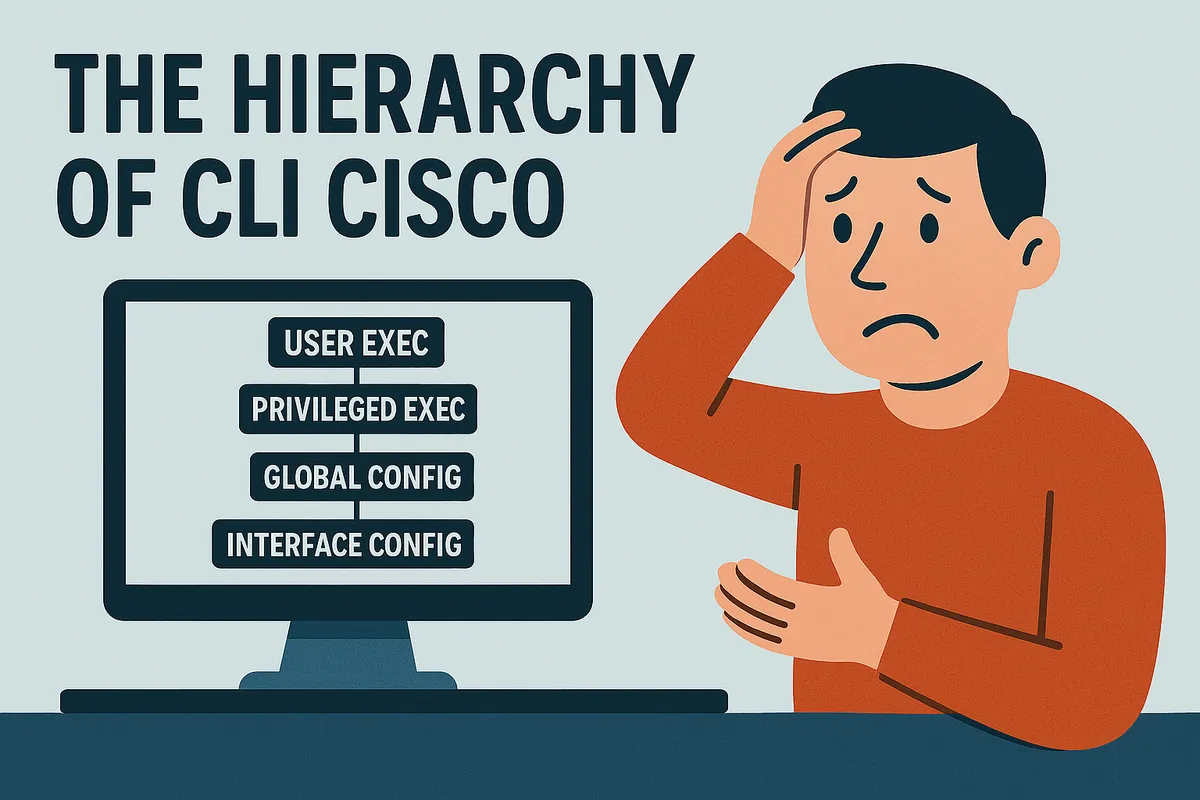
The “Command Line Interface” of cisco is made up of several modes:
The “User” mode
Allows only to make some basic commands.
Switch>The “privileged” mode
Allows more information. Like orders `SHOW ‘in particular.
Switch#The “global configuration” mode
- also contains several sub-modes (detailed [here] (#Configuration-D-a Interface)).
Switch (config)
Configuration of an interface
Router (Config)#Gigabitethernet0/0 interfaceGigabitethernet0/0 is here, the name of the interface (physical or logical), in which we return.
If you do not know the name of your interface, use the SHOW interfaces' ** command in Enable ** mode. You can use the interface command? To see all possible actions.
Router (Config-IF)# is displayed after execution of the command.
IP Address 192.168.1.1 255.255.255.0Allows you to send the interface.
Warning
** Do not forget `No Shutdown ‘to start the interface. **
Configuration of several interfaces with ranges
Gigabitethernet0/0-2no shutStarts Gigabitethernet0/0, Gigabitethernet0/1 and Gigabitethernet0/2 interfaces.
Configuration of a line
LINE VTY 0 1Router (Config-line)# is displayed after execution of the command.
The “lines” allow remote access to the equipment. Passing through Telnet (in clear) or SSH (encrypted). You can use the ```command to see all possible actions.
Router Configuration
Router OspfRouter Configure the router to do here, OSPF.
The possible options are routing protocols between routers.
You can use the command Router? To see all the available protocols.
Router (Config-router)# is displayed after execution of the command.